Sunset drive


 8-BIT FILTER
8-Bit Filter / CRT effect guide
SPENYX / CRT EFFECT GUIDE
Add a CRT effect to your Android apps with 8-Bit Filter’s live retro display overlay. Explore RGB grilles, phosphor dots and scanline-style effects while you use your apps—not only in saved photos.
For Android 15 and later · Free + optional Pro
Get 8-Bit Filter on Google Play
Try the original / filtered comparison
The website animates examples exported by the app’s Android image processor. Use the app’s live preview to compare settings with your own device.
INSIDE THE CRT
Watch the CRT treatment sweep across each photo, then follow the animated close-up into the red, green and blue phosphor elements.
Emulated CRT · Aperture Grille · mask size 3 · native source detail


Generated with 8-Bit Filter’s Android image processor using the same AI-generated photos as the app’s live preview. These are prepared examples, not live screen recordings; website transitions and zooms animate the exported images. Desktop examples represent a landscape phone screen reduced to fit these cards; mobile keeps its original scale. Desktop close-ups use the full-resolution phosphor pattern without smoothing. Additional CRT choices require Pro. These refreshed exports include all five masks, Blooming High and Beam Shrink On examples; the baseline looks use both options Off. Motion can be paused; reduced-motion preferences are respected. Explore the CRT controls →
PIXEL-LEVEL IMAGE PROCESSING
8-Bit Filter captures supported screen content and processes the image pixel by pixel. Palette mapping, dithering and CRT phosphor rendering respond to the picture’s colours and brightness.
A transparent tint or fixed scanline texture sits over an unchanged picture. Here, the captured image is rendered into the selected palette or phosphor pattern. Blooming spreads light from bright phosphors; Beam Shrink contracts illuminated elements in darker areas. Curvature bends the picture itself.
An Android overlay displays the processed result while you continue using your apps. This is software image processing; it does not change your phone’s physical display panel.
PHONE / TABLET MODE · PRO
Carry a retro display style across supported screen content. Choose Subtle curvature for a gentle bend or Retro Bubble for the rounded look of an old tube screen.
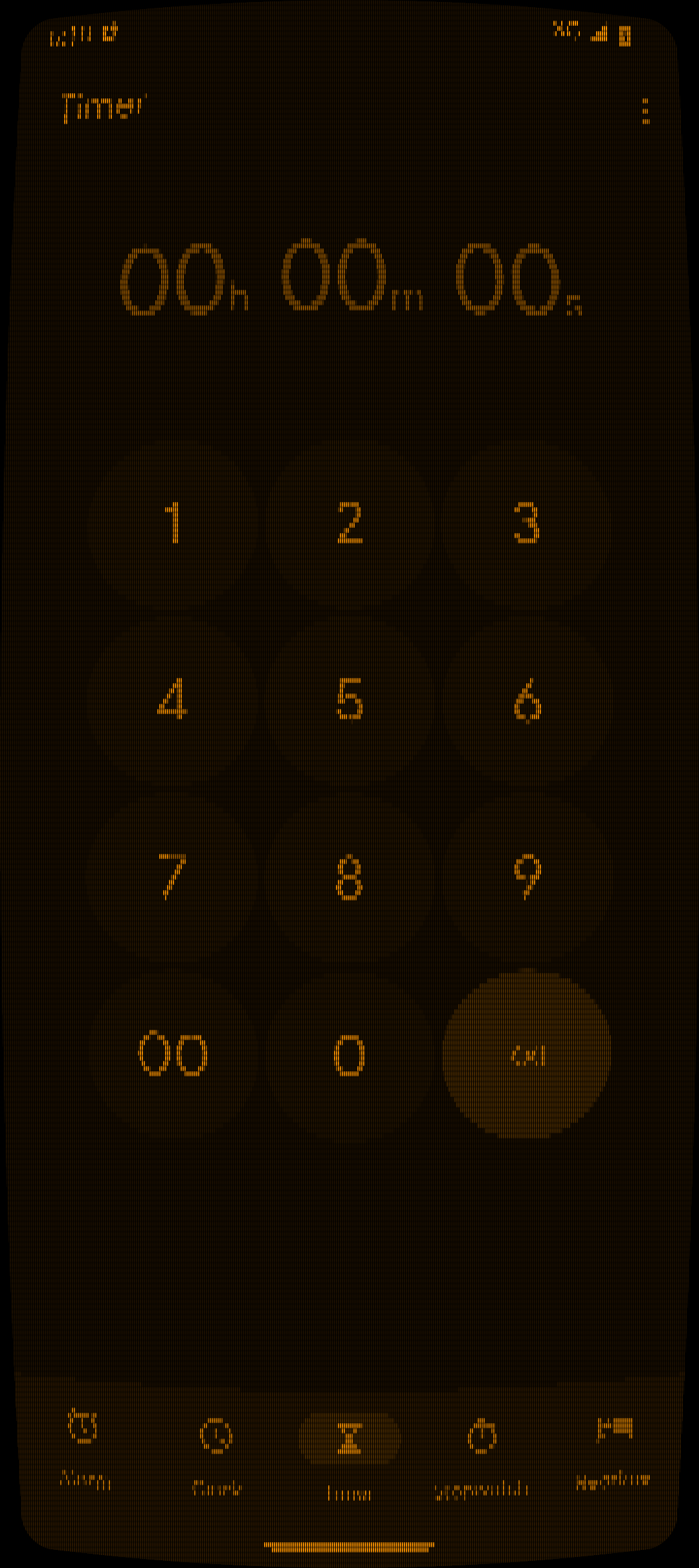
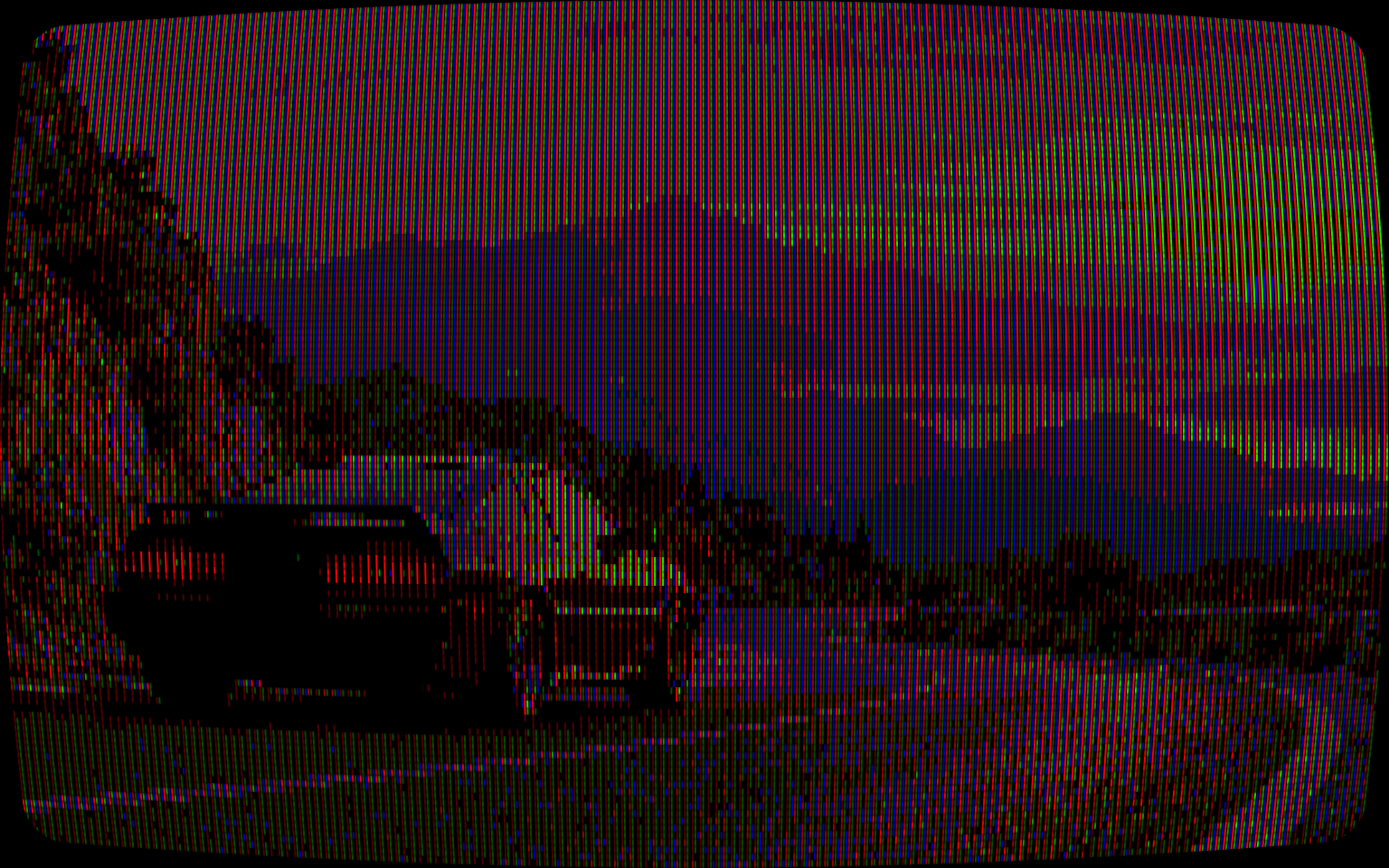
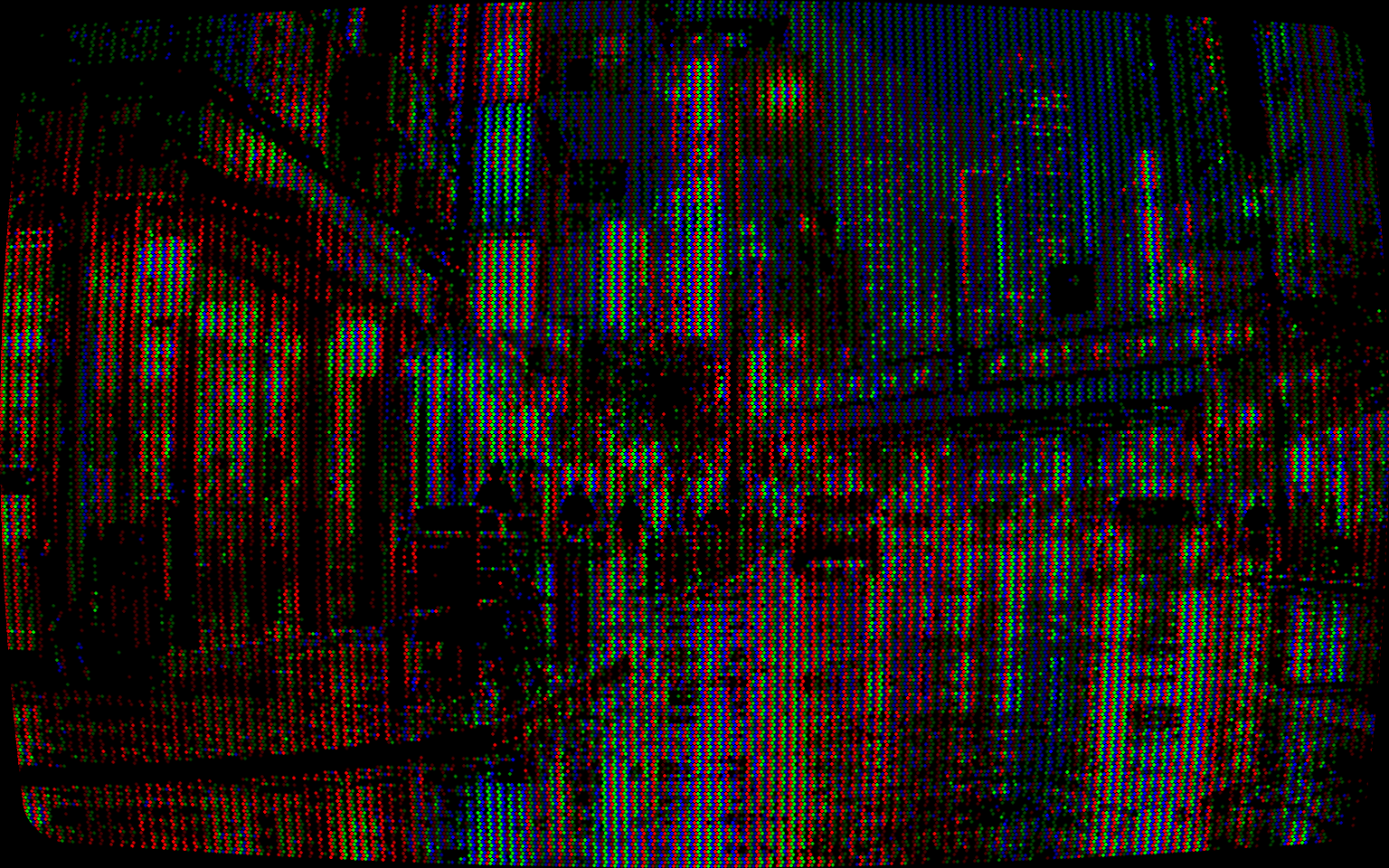
Keep one device-wide look, exclude apps you prefer to leave clear, or use optional per-app settings. Phone/Tablet Mode requires Pro; Android’s capture restrictions still apply.
The amber Clock example is exported from the current app’s Android image processor using an emulator capture. The sunset and neon scenes are the same AI-generated photos used in the app preview, with an additional whole-screen warp for these website illustrations so the picture and phosphor grid curve together. The current app curves the picture while keeping its phosphor grid fixed. Open an image to inspect the full-size version.
Set up Phone/Tablet Mode →A CRT screen filter recreates visual cues associated with older monitors and televisions: phosphor stripes or dots, dark gaps, scanline-style shading and curved edges. 8-Bit Filter applies this styling to captured content from supported Android apps. It is a screen overlay, not a photo-only editor or a replacement display driver.
The aim is to build a look you enjoy, not to reproduce every physical property of one particular CRT. The app uses shaders and selectable mask styles; the result varies with mask size, renderer, source content and your phone’s pixel density. Read how Android screen filtering works for the difference between App Mode and Phone/Tablet Mode.
Pseudo CRT provides the app’s stylised RGB-mask rendering. Start here to compare the mask patterns and their relationship to the underlying image. Aperture Grille with Pseudo CRT at mask size 3 is included in the free version.
Emulated CRT uses separate red, green and blue phosphor elements. Grilles, dots and slots form the image, rather than tinting the entire screen one colour. With Pro, Exposure and Highlight Blowout provide extra control over brightness and highlights.
Simple CRT uses dots and slots in colours from the chosen palette, rather than fixed red, green and blue phosphors. It can combine a home-computer palette with the structure of a CRT-style mask. This is a Pro renderer; compare it with Emulated CRT in the preview before saving.
These renderers share mask controls but do not produce the same colour structure. Selecting a different renderer is a useful first step when two otherwise similar settings seem to look alike.
Mask sizes 1–5 scale the grille, dots or slots. Size 3 is the original size; 1–2 are smaller and 4–5 are larger. The app labels Pro options.
Older profiles using the retired Phosphor Boost, Lightweight or Rounded Phosphor styles open with Aperture Grille in current builds.
Blooming adds a soft glow around bright phosphors. It works with Aperture Grille, Shadow Mask, Slot Mask, Arcade CRT and Soft TV. Higher levels add more glow; Off preserves the unbloomed mask. Compare it on bright edges against a dark background. It adds an extra GPU pass when enabled.
On contracts illuminated stripes, dots and slots in darker parts of the image. Bright white keeps its full footprint, and the mask grid does not move. It responds to image brightness, not your phone’s brightness slider. Beam Shrink works independently of Blooming.
Soft Beam, Balanced and Sharp Beam adjust the phosphor edge and beam shape. Mask Size changes the pattern’s size. Aperture Grille’s horizontal spacing follows the grille proportions. Curvature bends the picture; choose Flat when comparing text or screen controls.
Choose Simple CRT, Pseudo CRT or Emulated CRT. Applicable Pro renderers also offer Exposure and Highlight Blowout; strong settings can clip detail. CRT Capture Resolution offers Full or Reduced; Reduced requests half-width and half-height capture, subject to the shared screen-sharing session policy.
The app’s live preview keeps the original on the left. Tap the filtered right half to reposition its magnifying lens. Each rendered pixel becomes an exact 10×10 block with nearest-neighbour enlargement. The circular lens stays on the filtered half.
With Pro, try Shadow Mask in Emulated CRT next, then switch to Simple CRT to compare palette-coloured dots. Change one setting at a time so you can see which control produced the difference.
The effect is calculated from captured screen pixels. A fixed transparent grid cannot remap the picture’s colours or bend its geometry; 8-Bit Filter’s image processor renders those changes, then an Android overlay displays the result. The overlay describes how the processed picture is shown, rather than how the effect is calculated.
Yes, on supported content. In App Mode, save a CRT profile for the app you want to style and start filtering. You continue using that app beneath the visual overlay. Protected content and some app windows cannot be captured.
Phone/Tablet Mode is a Pro feature. It supplies a default look across supported screen content, with excluded apps and optional per-app profiles. App Mode is useful when you only want selected apps filtered. Neither mode changes the physical display panel or bypasses Android capture restrictions.
The free version includes Aperture Grille with Pseudo CRT at mask size 3 and two per-app profiles. Additional CRT masks, renderers and mask sizes require Pro.
A CRT effect adds phosphor-style structure and beam shading. Chunky Pixels groups source detail into larger blocks before palette reduction and optional dithering. They are alternative effect selections in the app. Compare pixel scaling, downsampling and capture resolution.
The app requires Android 15 or later and Android screen-sharing, accessibility and overlay access. Secure content and some apps cannot be captured. A supported window in App Mode can keep its own CRT profile while another floating app uses a different saved style; availability depends on Android’s window support.
CRT styling can cost more GPU work than a basic palette effect. Dense phosphor patterns, curved edges and the source app’s own animation all contribute to what you see. Performance is device-dependent; there is no guaranteed frame rate. If the result feels too dark or distracting, start again with Flat, Balanced and a simpler mask.
Troubleshoot missing filters and slow rendering · Compare with ordinary chunky pixels · Try the Android-rendered photo comparison
Get 8-Bit Filter on Google Play